
Motorola continues to expand its Android 16 beta program to the more affordable Moto G-series lineup, with the Moto G56 being the latest to join the party. The beta program recently went live for the Moto G75 and Moto G67, and now for the G56.
The Android 16 beta program for the Moto G56 is available in multiple regions, including Brazil, Latin America, and Europe, as shared by a senior MotoAgent on the official community forum. If you own a Moto G56 and live in a supported region, you can register for the beta program to get early access to the latest features and upgrades.
If your application gets approved, you will receive the Android 16 beta on your Motorola phone via an OTA upgrade. You should receive a notification for the same in the notification center. Alternatively, you can navigate to Settings > System updates > Check for updates to manually check for updates.
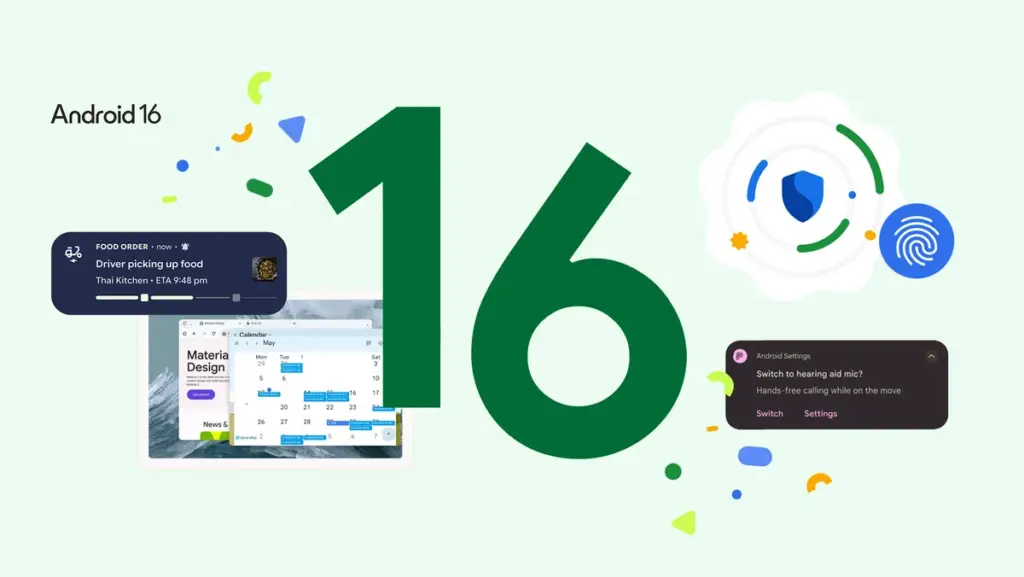
After upgrading to Android 16, you’ll notice several useful upgrades and new features on your device. This includes a new Notification cooldown feature to prevent you from getting annoyed when an app sends you too many notifications in a small time period. There’s also a new Flash notification feature inside the Settings app, which, when enabled, flashes the screen or the camera on receiving calls and notifications.
Android 16 on Motorola phones also introduces custom modes, allowing users to create profiles for different activities. There’s also an Advanced protection feature designed to keep the device safe from various kinds of threats and vulnerabilities. Furthermore, the update improves compatibility with Bluetooth LE audio devices.
Related: Android 16 will be the last major upgrade for these Motorola devices
Here’s how to register for Motorola’s Android 16 beta program
The beta program for Motorola phones is officially termed Motorola Feedback Network (MFN). Now, let’s go through the steps one by one.
- Create an account on Motorola’s community website (if you haven’t already).
- Visit the profile page and update your IMEI or serial number (SN) details.
- Opt in for MFN on your Motorola community profile.
- Always ensure that your phone is running the latest software.
- Go to the MFN Beta Testing Opportunities page to see the details of the beta program.
- Tap on the registration link (Brazil, Latin America, Europe).
- Fill in the required details and submit your application.
Motorola may send more details about the beta program via email. So, don’t forget to check your emails regularly. Remember to check your spam or junk folder as well.
Since it will be a beta update, it’s best to back up your important data first before installing the update. Also, ensure that the device has sufficient storage and at least 40% battery.
Don’t forget to hop into our Android 16 section regularly for the latest updates. Or, if you prefer your news instant and on the go, hop into our Telegram channel for instant notification about the latest software updates and all the biggest tech headlines.